Ebay's built-in automatic relisting is narrower than most sellers expect. Auctions can relist on their own, but only for some sellers and only a fixed number of times, while fixed-price listings renew monthly instead of being relisted in the sense of getting a new listing. Everything beyond that, such as refreshing stale stock, relisting in bulk or choosing a time of day, requires either manual work in Seller Hub or a tool built for the purpose. This guide explains what eBay does by default, where it stops, and how to decide between manual, bulk and automated approaches.
What eBay relists for you
Ebay distinguishes between auction-style listings and fixed-price listings, and the word "relist" means something different for each.
Auction-style listings
According to eBay's relisting help page, auctions with a duration of 1 or 3 days are automatically relisted up to 8 times as a 7-day listing, and auto-relists are free except in vehicle categories. If the item still has not sold after 8 relists, it moves to your unsold items. The same page states that automatic relisting is available for most categories, with some exclusions, and that vehicle categories allow up to 2 automatic relists.
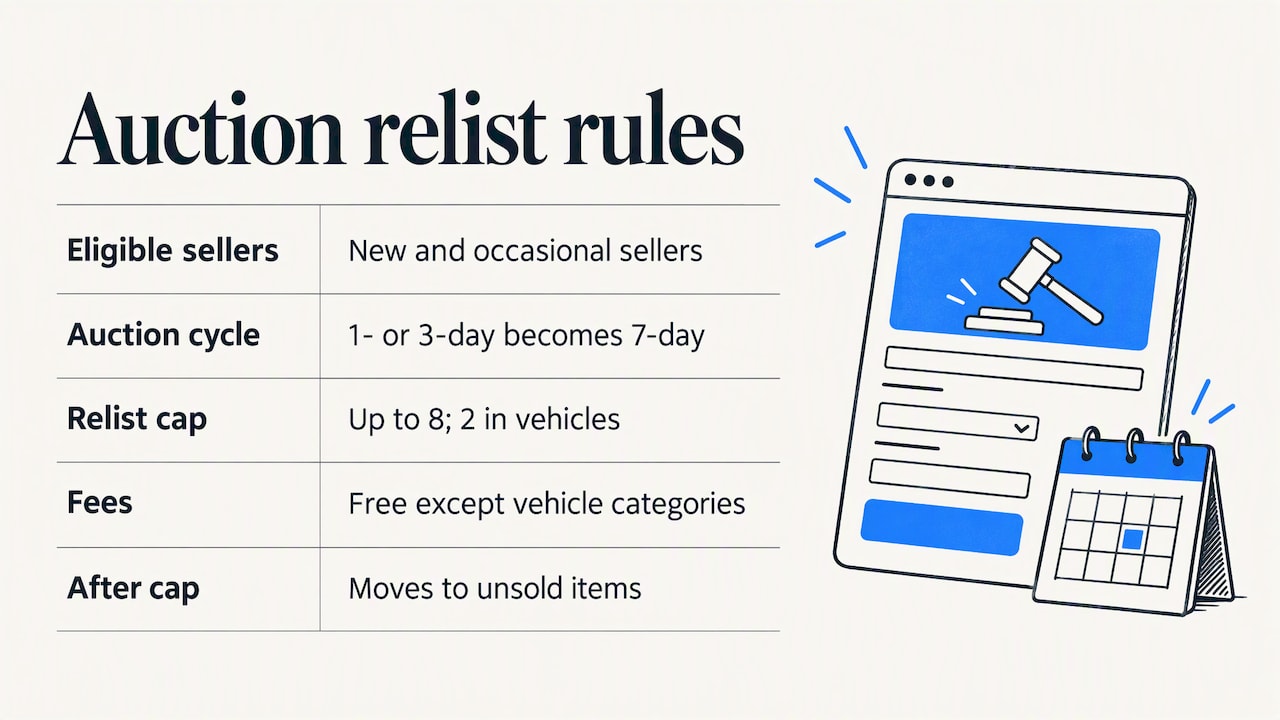
The condition that surprises most sellers is eligibility. The same help page says the option is only available on listings created by new and occasional sellers, and it does not show for other sellers. If you run a store with steady volume, you may open the listing form and find no auto-relist switch at all. That is not a bug in your account; it is how the feature is scoped.
Fixed-price listings
Fixed-price listings behave differently. eBay's help content explains that they are set to Good 'Til Cancelled by default and renew monthly until they sell or you end them. Nothing is ended and recreated: the same listing continues, with the same listing ID, the same age and the same history.
This matters for two reasons. First, a renewal can carry an insertion fee when you are past your monthly allowance of free listings, so a catalog of slow items can quietly generate costs. Check the current allowance and rates on eBay's fee pages before assuming a figure. Second, if you wanted a listing to be treated as new, a renewal does not do that.
How to turn automatic relisting on or off
For an eligible auction, the switch is on the listing form. According to eBay's help, if your account has auto-relisting available, you find it under the pricing options on the listing form and toggle it on before publishing. You cannot add it to a listing after the fact in the same way, so the decision belongs at creation.
To stop it later, follow this path:
- Go to My eBay and select Selling.
- Open Active listings under the Sell section.
- Find the item and choose the option to remove automatic relisting from its action menu.
If all your listings seem to be relisting without your input, check the format first. Fixed-price listings renew every 30 days regardless of any relist switch, and the way to stop that is to end the listing, not to disable a relist option. Revising a listing lets you change the price or description; ending it stops the renewal.
Why sellers want more than the built-in option
The built-in feature covers a small slice of what sellers actually mean by auto relist. Four situations come up repeatedly:
- Fixed-price stock that has sat for months. The listing keeps its age and its history. Sellers often want it ended and recreated so that it enters search as a new listing.
- Established sellers who do not see the switch. Without eligibility, the auction option is simply unavailable.
- Volume. Relisting 20 items by hand is tolerable; relisting 400 is a part-time job.
- Control. Eligible auctions relist on a fixed schedule, with no check on whether the price, title or photos should change first.
We return to the question of whether relisting is even the right move in the section on timing below.
Relisting in bulk
Searches such as bulk relist reflect the same pressure: too many listings to touch one at a time. eBay provides bulk listing tools in Seller Hub, including Reports where you can upload and manage inventory in CSV or tab-delimited files. The same Seller Centre page warns that bulk editing has limitations: some fields, such as listing format, may not be editable, and edits can fail if the listing is within 12 hours of an auction's end or has outstanding Best Offers.
In practice, a spreadsheet workflow looks like this:
- Download your active listings report.
- Filter to the items you actually want refreshed, for example by listing age or by zero sales.
- Edit the fields you need, such as price, title or quantity.
- Upload the file and review the error report for rows that failed.
- Re-check any item with a pending Best Offer or a close auction end.
If you keep large inventories across several channels, guidance on managing inventory in bulk from a different marketplace can help you think about structure, though eBay's file formats and rules remain the reference for your account.
The spreadsheet route has a real cost: it edits listings, but it does not by itself end and recreate them on a schedule. For that, sellers use either Sell Similar manually or an automation tool. Our own breakdown of choosing an eBay bulk listing tool without losing control lists the checks worth making before you hand over an entire catalog.
When to relist: timing and what affects it
Ebay does not publish a recommended hour or weekday for relisting, and we are not aware of an official study that proves one. So treat the following as reasoning from how the marketplace works, not as a guarantee.
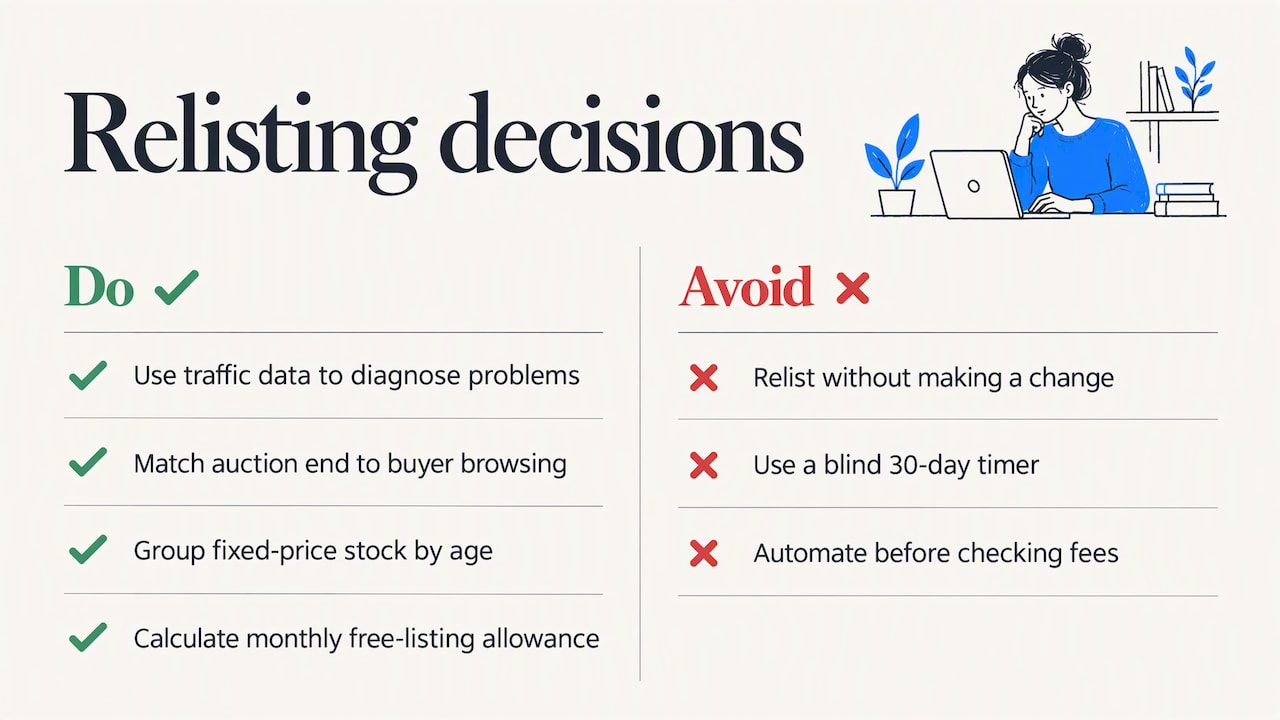
Relist because an item is stale, not because the clock says so. A listing with impressions but no clicks usually has a title or photo problem. One with clicks but no sales usually has a price or description problem. One with no impressions may have a keyword problem. Relisting any of these without a change tends to reproduce the result. The Seller Hub traffic data shows which of the three you have.
Match the end time to your buyers for auctions. An auction ends when it ends, so the end time decides how many bidders are online in the final minutes. For a 7-day auction, the start time and the end time are the same time of day, which means you choose both by choosing one. Consider when your category's buyers are most likely to be browsing, for example evenings for consumer goods, and test it on your own listings.
For fixed-price listings, avoid a blind timer. A fixed 30-day cycle is easy to automate, but it ignores seasonality. A winter item relisted in spring is still a winter item. Group stock by age, such as 30, 60 and 90 days, and handle each group differently: a light price test at 30 days, a fuller rewrite at 60, a markdown or removal at 90.
Watch the fee side. Each time a listing is ended and recreated, it can count against your free monthly listings or carry an insertion fee. Before you automate, work out how many relists per month your allowance covers.
Our article on how auto-relist compares with promoted listings explains how a refresh can substitute for paid promotion in some cases, and where it cannot.
What to compare when choosing an auto-relist method
The right approach depends on volume, listing format and how much you want to control. This comparison covers the three realistic options.
| Criterion | eBay's built-in auto-relist | Manual or spreadsheet relisting | Dedicated auto-relist tool |
|---|---|---|---|
| Formats covered | Eligible auctions only | Any, subject to bulk-edit limits | Typically fixed-price listings |
| Eligibility | New and occasional sellers | Every seller | Every seller with a connected account |
| Schedule | Fixed: up to 8 relists | Whenever you do it | Rules you set, such as listing age |
| Changes before relisting | None | Full control | Depends on the tool |
| Time cost at 500+ listings | Not applicable | High | Low |
| Cost | Free except vehicles | Your time | Subscription |
The eBay Seller Centre page on bulk tools makes the same general point: choose based on business size and the number and format of your listings, with Seller Hub Reports suited to file-based work and third-party tools used for catalogs beyond 500 listings.
Questions to ask before you automate
- Does the tool end and recreate the listing, or only edit it?
- Can you exclude multi-quantity listings, items with watchers or items with active offers?
- Does it preserve photos, item specifics and shipping policies accurately?
- Can you set rules by age, price range or category rather than relisting everything?
- What happens to fees, and does it show you the count before it runs?
Answer these before you connect your store, because an automation that relists everything on a timer is hard to reverse once it has run.
Our perspective
We build for eBay sellers, and the pattern we see is that relisting is treated as a button when it is a decision. The mechanism is simple: end the stale listing, create a fresh one, and let search treat it as new. The judgment is in choosing which listings qualify, and in changing something first.
We think the best order of operations is to review before you relist. Check the title against how buyers search, check the price against recent sold comparables, and look at the photos. Our listing analyzer scores a listing on these points and costs nothing to try, so you can see whether a listing needs a rewrite or only a refresh. If you are repricing as part of the cycle, our guide to eBay pricing strategy covers how to set prices for profit instead of guessing.
We also think automation should be conservative by default. Relist the stock that has aged past a threshold you chose, leave multi-quantity and active-offer listings alone until you decide otherwise, and review the results monthly. A tool that saves ten hours but quietly doubles your insertion fees has not saved you anything.
— Mykola
Automating relists with SafeBay
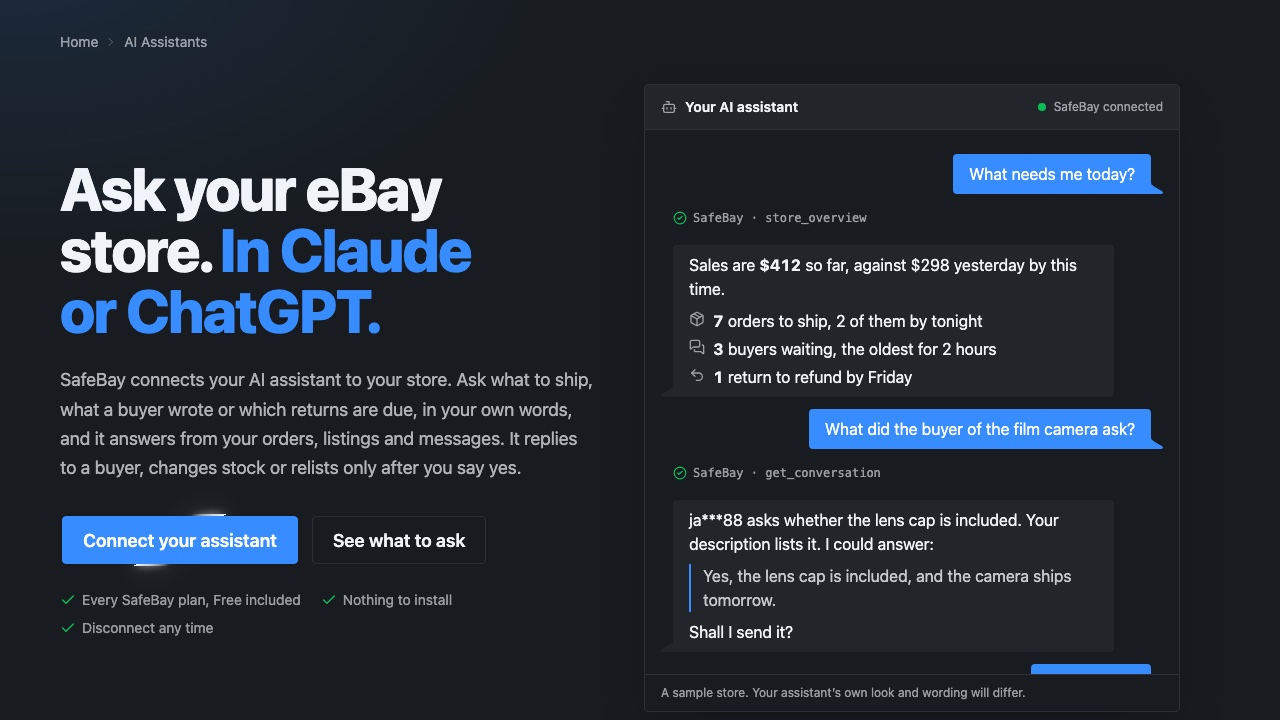
SafeBay includes auto-relisting of ended items alongside AI listing generation and proofreading, automated messaging and feedback replies, and sales analytics, all working inside eBay's workflow through the browser extension. You can read how the feature works on the SafeBay auto-relist page. Plans are published as Free at $0 per month, Basic at $9.95 per month, Pro at $59.95 per month and Enterprise at $599.95 per month, and you can compare them on the SafeBay plans page.
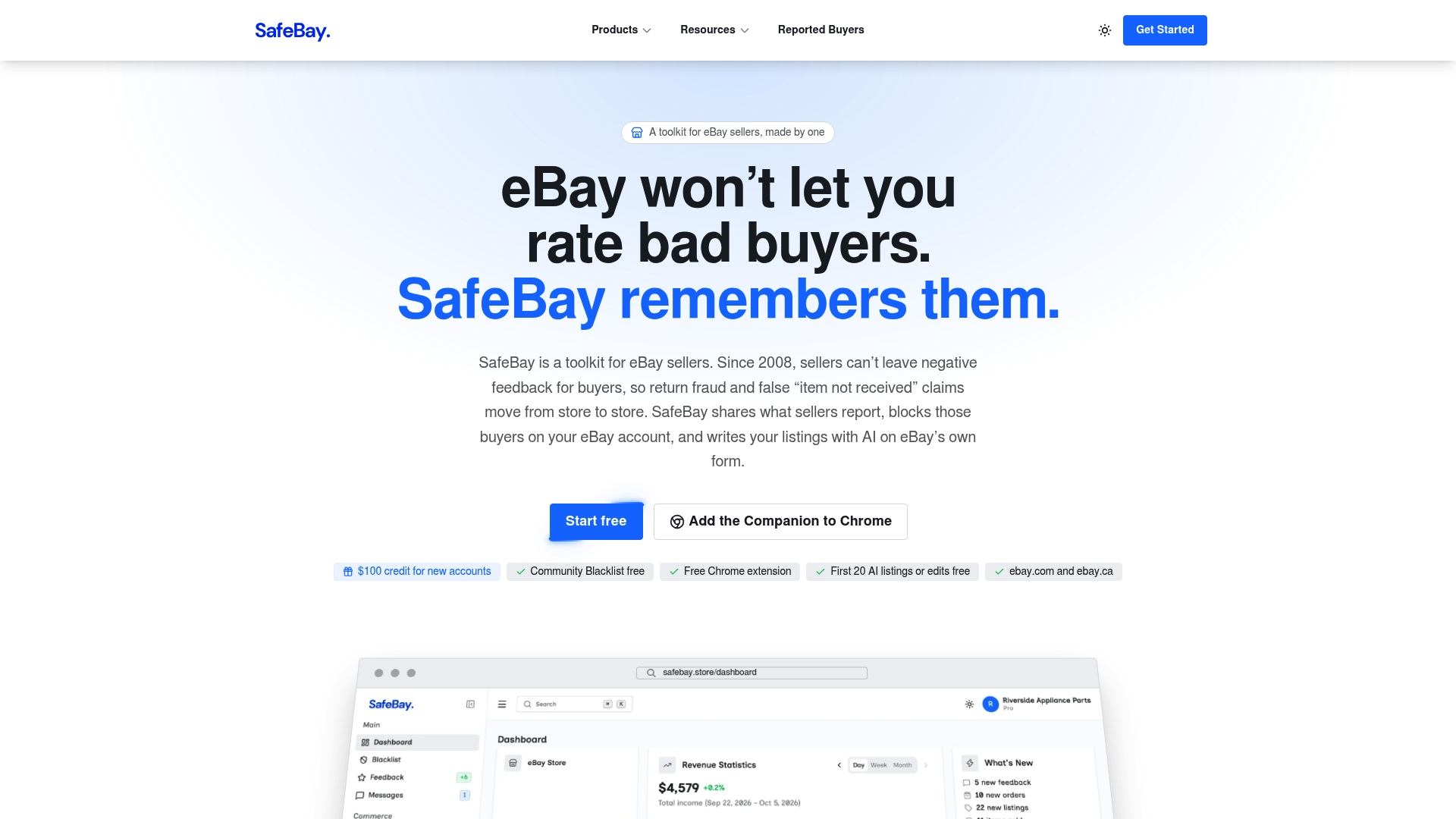
Start with the Free plan to see how your own listings behave, then move up only if volume justifies it.
A practical relisting routine
For a seller with a mixed catalog, a routine that balances effort and risk looks like this:
- Weekly: open your traffic report and list items with fewer than a handful of views since the last check.
- Monthly: sort active listings by age and select those past 30 days with no sales.
- Before relisting: change at least one thing, such as the title keywords, the lead photo or the price by a small step. The seven-step listing optimization checklist is a reasonable template.
- At 90 days: decide whether to mark down, bundle or remove the item. Repeated relisting of an item nobody wants only adds fees and clutter.
- After each cycle: compare sell-through for relisted items against untouched ones, using your orders and sales statistics, so you know whether the routine pays for itself.
If you also use a cross-listing app to manage stock elsewhere, check its limits first, as described in our note on free cross-listing app limits.
Common mistakes
- Assuming the switch exists. Eligibility for auction auto-relist is limited, so do not build a process around it without checking your listing form.
- Confusing renewal with relisting. A GTC renewal keeps the listing ID and age.
- Relisting without a change. The same title, price and photos usually bring the same outcome.
- Ignoring open offers and close auction ends. Bulk edits can fail in those cases, per eBay's Seller Centre guidance.
- Counting no fees. Check the current insertion fee schedule against your monthly volume before running any large relist.
FAQ
Does eBay automatically relist your items?
Partly. Eligible auction-style listings can relist automatically up to 8 times if you selected the option, and fixed-price listings renew every month until they sell or you end them. The auction option is limited to new and occasional sellers, so many established sellers never see it.
How many times does eBay automatically relist an item?
Auctions relist up to 8 times, after which the item appears in your unsold items. Vehicle categories allow up to 2 automatic relists, and those carry fees, unlike other categories where auto-relists are free according to eBay.
How can I stop automatic relisting on eBay?
Go to My eBay, open Selling, then Active listings, and choose the option to remove automatic relisting for that item. For a fixed-price listing that keeps renewing, end the listing instead, since the monthly renewal is not controlled by a relist switch.
Can I relist many eBay listings at once?
Yes, with limits. Seller Hub Reports supports CSV or tab-delimited uploads, but certain fields such as listing format may not be editable, and edits can fail near an auction's end or with pending Best Offers. For recurring bulk relists, an automation tool saves repeated manual work.
When is the best time to relist on eBay?
There is no official best hour, so base it on the listing's performance: relist stale items after you have changed the title, price or photos. For auctions, choose a start time that puts the ending at a time your buyers are online.