
Use relisting when you want the same listing back on eBay with its original terms and a possible insertion fee credit. Use Sell Similar when you want a brand-new listing built from an old one, so you can change the price, title, photos or format. The two are different actions: relisting reopens an ended listing, while Sell Similar copies a listing into a new one. Choosing the wrong one costs you fees, history or time. Sellers who have outgrown eBay's built-in automatic relisting can automate the same routine with SafeBay's auto-relist tool.
What each action actually does
The two actions are easy to mix up because both put an item back in front of buyers. They start from different places and produce different results.
Relist applies to a listing that has ended without a sale. eBay reopens it, usually with the same details, and the listing is treated as a continuation of the original. This is the action that eBay's insertion fee credit rules are written around.
Sell Similar starts from any listing, ended or active, and opens a fresh listing form pre-filled with the original details. You edit what you want and publish. Nothing is reopened. One seller's comparison of the two reports that a Sell Similar listing appears under Newly Listed sorting and carries eBay's message that the item was listed in the last 3 days. That message is an observed behavior, not a published eBay promise, so treat it as a possible freshness effect and not as a guaranteed ranking boost.
A short comparison:
| Relist | Sell Similar | |
|---|---|---|
| Starting point | An ended, unsold listing | Any listing |
| Result | The original listing reopened | A new listing |
| Changes allowed | Limited, and some changes cost you the fee credit | Anything |
| Fee credit possible | Yes, if all conditions are met | The credit rules refer to eBay's relist tool |
| Best for | Unchanged items that deserve another run | Repricing, retitling, reformatting, new photos |
How automatic relisting works on eBay
Automatic relisting is the hands-off version of relisting. According to eBay's relisting help page, auctions of 5 days or longer are automatically relisted up to 8 times. One-day and 3-day auctions are relisted up to 8 times as a 7-day listing. After 8 unsuccessful relists the item moves to your unsold items.
Two details decide whether this helps you.
- Who gets the option. The same page states that automatic relist is only available on listings created by new and occasional sellers, and it does not show for other sellers. If you sell at volume or run a store, you may never see the setting.
- Where it is excluded. Categories such as Businesses for Sale, Real Estate, Flights, Tickets, Travel and Vouchers or Gift Certificates are excluded. Vehicles categories are limited to 2 relists, with the original listing fees applying each time.
It also helps to understand the auction format itself, since automatic relisting applies mainly to auctions. This guide to how auction-style sales work explains the bidding mechanics from the buyer's side. eBay's auction page confirms durations of 1, 3, 5, 7 or 10 days, and that unsold auctions may be relisted automatically.
Fixed price listings do not need relisting
Most sellers use fixed price listings, and these behave differently. eBay's listing durations page states that fixed price listings are Good 'Til Canceled and renew every month on the same day until they sell or you end them. A listing created on May 1 renews on June 1. If your inventory is fixed price, the real question is rarely relist versus Sell Similar. It is whether a stale listing needs a refresh, and that is where Sell Similar earns its place.
Relisting costs and fee credits
Fees are the clearest practical difference. eBay's fee credits page lists the conditions for an automatic insertion fee credit on a relisted item. All of them must hold:
- The item sells after being relisted.
- The original and the relisted listing use the same format. Classified ads do not qualify.
- You used eBay's relist tool, not copy-and-paste.
- You relisted within 90 days of the original ending.
- It is your first manual relist.
- The starting price is not higher than the original.
- You did not add a reserve price.
A worked example makes the stakes concrete. You list a used stand mixer as a 7-day auction and it ends unsold. You relist it at the same starting price within 90 days, without a reserve, and it sells. The conditions are met, so the relist can earn the insertion fee credit. If you instead raise the starting price or add a reserve, you lose that credit, and you should treat the second listing as a fresh set of fees.
Store subscribers have a separate rule. Per the same page, sellers with a Basic, Premium, Anchor or Enterprise store subscription receive an insertion fee credit when an auction-style listing sells. Only insertion fees are credited, not listing upgrade fees, the subscription must be active when the listing is created, and a final value fee is still charged on the sale. For a fuller picture of how fees reach your net proceeds, see eBay fees explained.
Because the credit conditions are written around eBay's relist tool, check the fee credits page before assuming that a Sell Similar listing earns one.
How to choose: a decision guide
Ask three questions about each unsold item.
1. Does the listing itself need to change? If the price, title, item specifics, photos or format are part of the problem, a relist repeats the problem. Use Sell Similar and fix it. A weak title is the most common cause of an item that gets few views, and the free title builder shows keywords taken from titles that sold. Clearer images matter too. This jewelry photo checklist shows how detail shots and lighting are planned for small items, and the same discipline applies to most categories.
2. Is the item the same and the demand simply uncertain? Unique or slow-moving items, such as collectibles, may need more than one run in front of buyers. Relisting without changes keeps the credit possible and costs you nothing extra in effort.
3. Is it an auction or fixed price? For auctions, automatic relisting up to 8 times is built in when your account is eligible. For fixed price, the listing already renews monthly, so the choice becomes: leave it, revise it, or end it and Sell Similar.
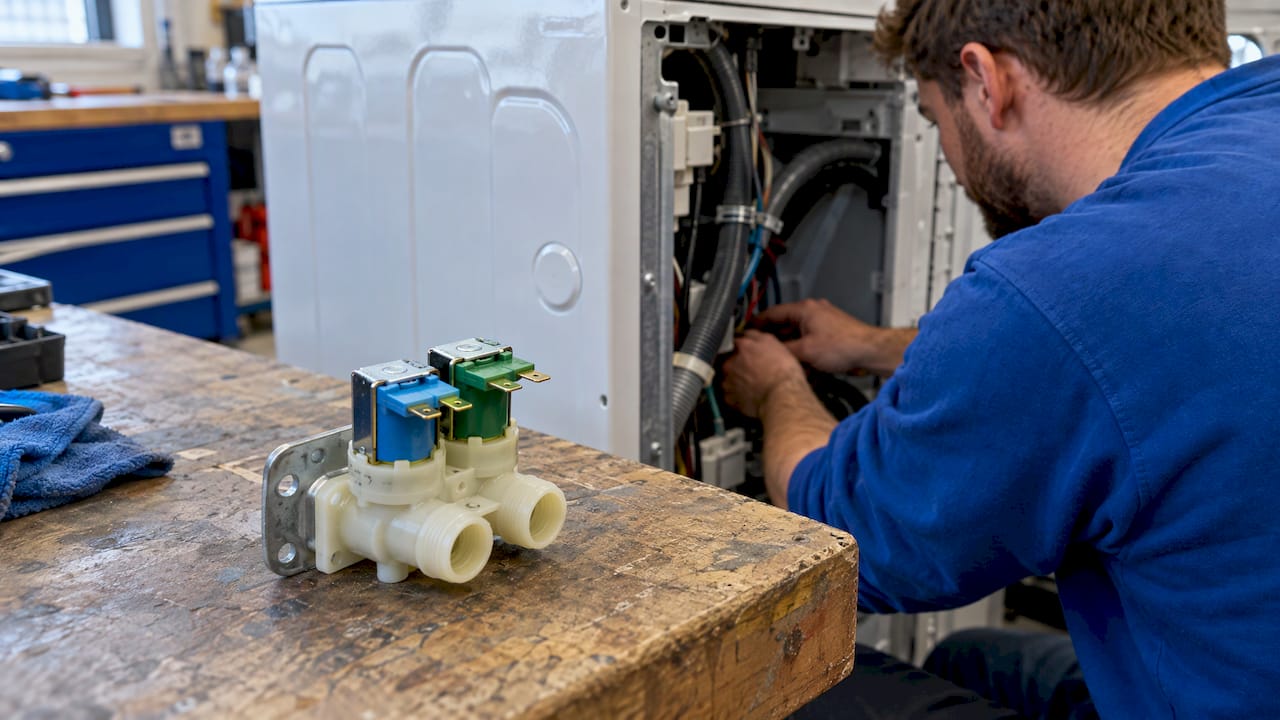
A practical rule for appliance parts and other compatibility-driven items: if the sales are weak because buyers cannot tell whether the part fits their model, relisting will not solve it. Add the compatible model numbers and part numbers in a new listing. The listing analyzer scores a listing and points to gaps in it before you republish.
Do not relist removed listings
A listing eBay removed is a different case. Per eBay's removed or hidden listings page, a listing can be removed after a year or more active without sales, at a rights owner's request, or for policy or legal violations. Sellers should contact eBay before relisting a removed listing, because relisting can lead to suspension and in some cases legal action. The Relist option is unavailable for some removed listings.
Relisting after an unpaid order
Buyer non-payment creates the most common forced relist, and the rules are specific. From eBay's unpaid items page:
- You can cancel the order after 4 or more calendar days of nonpayment.
- Cancel within 30 days of the buyer committing to buy, so the item can be relisted.
- After cancellation, a single-quantity Buy It Now item is relisted automatically unless you choose otherwise.
- The buyer's feedback is removed.
- For auctions, you can send a second chance offer to the next highest bidder instead.
- Selling preferences can automate the 4-day cancellation and the immediate relist.
The second chance offer is worth considering before a relist. It sells the item to a bidder who already wanted it, and it avoids another listing cycle.
If the same names keep appearing in your unpaid cases, the pattern is a buyer problem and not a listing problem. You can check an eBay buyer's status before you ship or accept an offer, and report a buyer to the community list.
How to stop an item from relisting
Automatic relisting can surprise you, especially after returns. Per eBay's relisting page, go to My eBay, then Selling, then Active, find the item, and choose Remove Automatic Relisting from the More actions menu, then save. When you refund a buyer for a return or a canceled order, uncheck the Relist item or Relist item after cancellation box so the item does not go back up automatically.
The control is per listing, or in bulk from the Active tab. One tutorial notes that removing it stops the next renewal but not a cycle already paid for, so make the change before the listing is due to renew. If you sold the last unit and later restock, confirm that the item is not live twice.
When built-in relisting is not enough
The limits stack up for an established seller. The automatic relist option is for new and occasional sellers only. It reaches only auctions. It stops after 8 relists. And it cannot reprice or rewrite anything. A seller with a few hundred SKUs ends up relisting by hand: open each ended listing, choose Relist or Sell Similar, check the price, publish.
This is the routine SafeBay's auto-relist tool is built to take off your hands: it automatically relists ended items. For the rules, limits and options in more detail, see our guide on how to auto relist on eBay. If timing matters to you, scheduling listings covers the steps and limits, and choosing a bulk listing tool covers how to keep control when you publish many listings at once.
A combined workflow works well in practice:
- Let ended items that are unchanged go back up through automatic relisting.
- Every few weeks, review items with many views and no sales, or few views and no sales.
- For those, fix the title, specifics, photos or price with Sell Similar, or generate a fresh description with the AI listing generator.
- Check buyer status on orders before they become unpaid cases.
Our guide to optimizing eBay listings walks through finding the visibility gaps in step 2.
Does relisting or Sell Similar improve visibility?
Sellers often ask which one resets search ranking. eBay does not publish a fixed boost for either action, so be wary of precise claims. The one observation worth knowing is that a Sell Similar listing appears as a new listing and shows the 3-day freshness message, as the comparison cited above reports. The same source describes a testing period in the highest search area and treats seller performance, listing quality and buyer response as other likely factors.
The practical reading: a fresh listing can get a look, but it keeps that position only if the title, photos, price and your seller performance earn it. A relist or Sell Similar gives a listing a second chance to be seen. It does not make a weak listing strong.
SafeBay for sellers who relist at volume
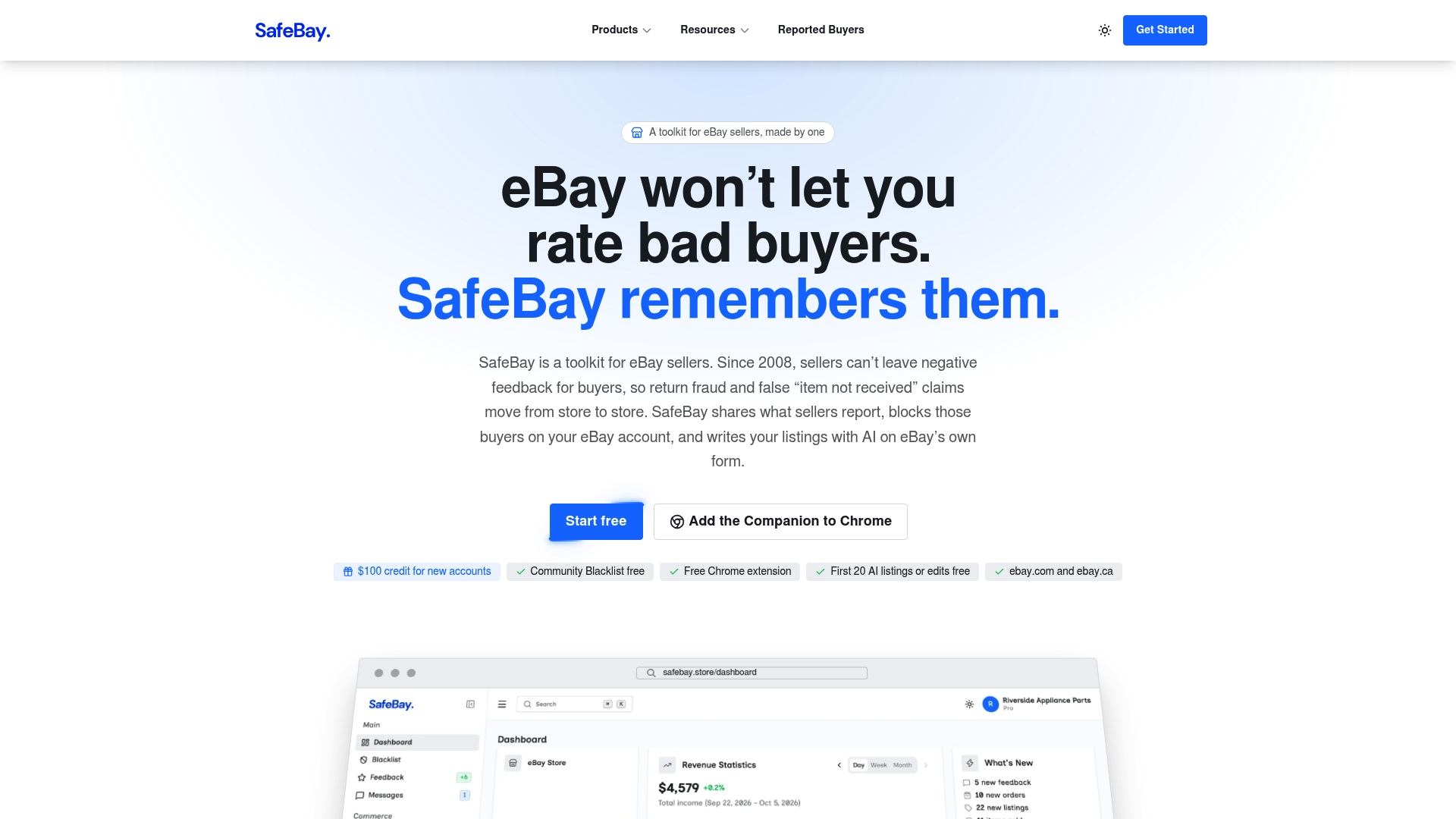
SafeBay is a toolkit for eBay sellers. It combines auto-relisting of ended items with AI listing generation and proofreading on eBay's own pages, automated messaging and feedback replies, sales analytics and order management tools. It also includes a community buyer blacklist that syncs to your eBay Blocked Buyers list through a free Chrome extension, which matters when unpaid orders are the reason you are relisting.
The Free plan costs $0 per month and covers basic features with limited AI usage. Basic is $9.95 per month, Pro is $59.95 per month and Enterprise is $599.95 per month. Plans and limits are on the SafeBay site, and the SafeBay Companion is the Chrome extension that works on eBay's pages.
Our perspective
Relisting and Sell Similar are often debated as if one must win. We see them as two steps in one routine: relisting keeps unchanged items in circulation, and Sell Similar is for items whose listing needs to change.
The real cost for a growing seller is time, not the button. Relisting by hand across hundreds of items takes hours that would be better spent sourcing and shipping, and eBay's own automatic relist is limited to new and occasional sellers. That is why we built auto-relisting for ended items into SafeBay.
We also pair it with buyer protection. Unpaid orders and return fraud are what push many items back into the relist queue, so our community blacklist and Chrome extension sync block problem buyers on your account before the cycle repeats. Our AI tools write and proofread listings where you already work, so the Sell Similar step is faster too.
Mike Brydko
FAQ
Is it better to relist or Sell Similar on eBay?
Relist when the item and the listing are fine and you want the original terms back, since this is the route the insertion fee credit rules cover. Choose Sell Similar when you want to change the price, title, photos or format, because it creates a new listing. Many sellers use both.
How many times can an item be relisted on eBay?
Auctions of 5 days or longer are automatically relisted up to 8 times, and 1-day and 3-day auctions are relisted up to 8 times as a 7-day listing. Vehicles categories allow 2 relists. Fixed price listings renew monthly until they sell or you end them.
Why don't I see an automatic relist option?
eBay offers automatic relisting only on listings created by new and occasional sellers. If your account has grown past that, the option does not show. You can still relist manually, or use an auto-relist tool to automate the routine.
How do I cancel an unpaid order and relist the item?
Wait 4 or more calendar days, then cancel with the reason that the buyer has not paid, within 30 days of the buyer committing to buy. A single-quantity Buy It Now item is then relisted automatically unless you choose not to. For auctions, you can send a second chance offer to the next highest bidder.
Sources
- Relisting items | eBay
- Fee credits | eBay
- Selling through auctions | eBay
- Listing durations and timings | eBay
- Resolving unpaid items with buyers | eBay
- Removed or hidden listings | eBay
- eBay Relist vs Sell Similar: What Actually Carries Over?
- How Auction-Style Ticket Sales Work
- Product Photography for Jewelry: Detail Checklist