
You can remove negative feedback on eBay only when it breaks eBay policy or falls under an automatic removal scenario, and Seller Help is where you request it. If it doesn't qualify and the feedback is under 30 days old, a revision request is your practical path, capped at 5 per calendar year. Check eligibility, gather evidence, then file or send.
TL;DR:
- File removal requests through Seller Help within 90 days of the transaction, attaching timestamped tracking records, messages, and evidence that shows the specific policy breach.
- For feedback that does not violate policy, request a revision before it reaches 30 days; the buyer then has 10 calendar days to respond.
- You receive five revision requests per calendar year, plus five for every 1,000 feedback ratings that year, so reserve them for resolved issues.
- If eBay leaves the comment in place, reply briefly with the remedy and a private contact route, without blaming the buyer or sharing personal details.
- Since October 2025, eBay may ask buyers to edit removable portions of mixed feedback instead of removing the entire comment.
Table of Contents
- When is negative feedback eligible for removal?
- How do I request feedback removal through Seller Help?
- How do I ask a buyer to revise their feedback?
- What if removal or revision fails?
- What evidence should I gather before filing?
- A practical view on feedback in a healthy seller workflow
- How SafeBay saves you time on feedback problems
- FAQ
- Sources
When is negative feedback eligible for removal?
eBay's removal criteria are narrow. A removal needs a policy breach or an automatic scenario, and eBay's feedback policy lists the cases where it acts on its own or on request. Review this list before you spend a request:
- A buyer asked to cancel and the cancellation was closed.
- eBay confirmed abusive buyer behavior, which triggers removal of the related negative or neutral feedback.
- The comment refers to delivery or system issues outside your control.
- The comment contains false claims or otherwise violates eBay's rules.
eBay's seller protections add that once eBay finds a buyer violated the abusive buyer policy, it removes related negative or neutral feedback and defects. In serious cases it may also limit that buyer's return requests or suspend the account.
What does not qualify is disagreement. eBay treats a buyer's opinion as valid, so "the buyer was unreasonable" is not a removal reason by itself. You need a breach you can document.
Two recent changes matter too. According to Value Added Resource, eBay began automated feedback for eligible orders on September 3, 2025. In October 2025 it also changed how it handles mixed feedback, so buyers may be asked to edit the removable parts of a comment instead of losing the whole thing. A separate writeup describes this as a new path for partial cleanup.
How do I request feedback removal through Seller Help?
Seller Help centralizes requests for defects, late shipments and feedback removals, with a button for requesting feedback removal. Follow these steps in order:
- Identify the transaction and pull the order ID, tracking history and message thread.
- Open Seller Help, choose the feedback removal request (or use the shortcuts under Suggestions for You), and fill out the form.
- Attach clear screenshots with visible timestamps, and state in one or two sentences which policy the comment breaks.
- Submit, then watch your eBay email. If eBay needs clarification, answer it quickly and point to the specific attachment that proves your case.
Timing matters. eBay's guidance generally expects removal requests within 90 days of the transaction, so don't sit on a clear policy breach. Some guidance suggests that eligible removals may happen quickly, but plan for a longer wait if your evidence is thin.
Eligibility window: eBay's guidance says removal requests should generally be submitted within 90 days of the transaction, so file as soon as you spot a qualifying comment.
How do I ask a buyer to revise their feedback?
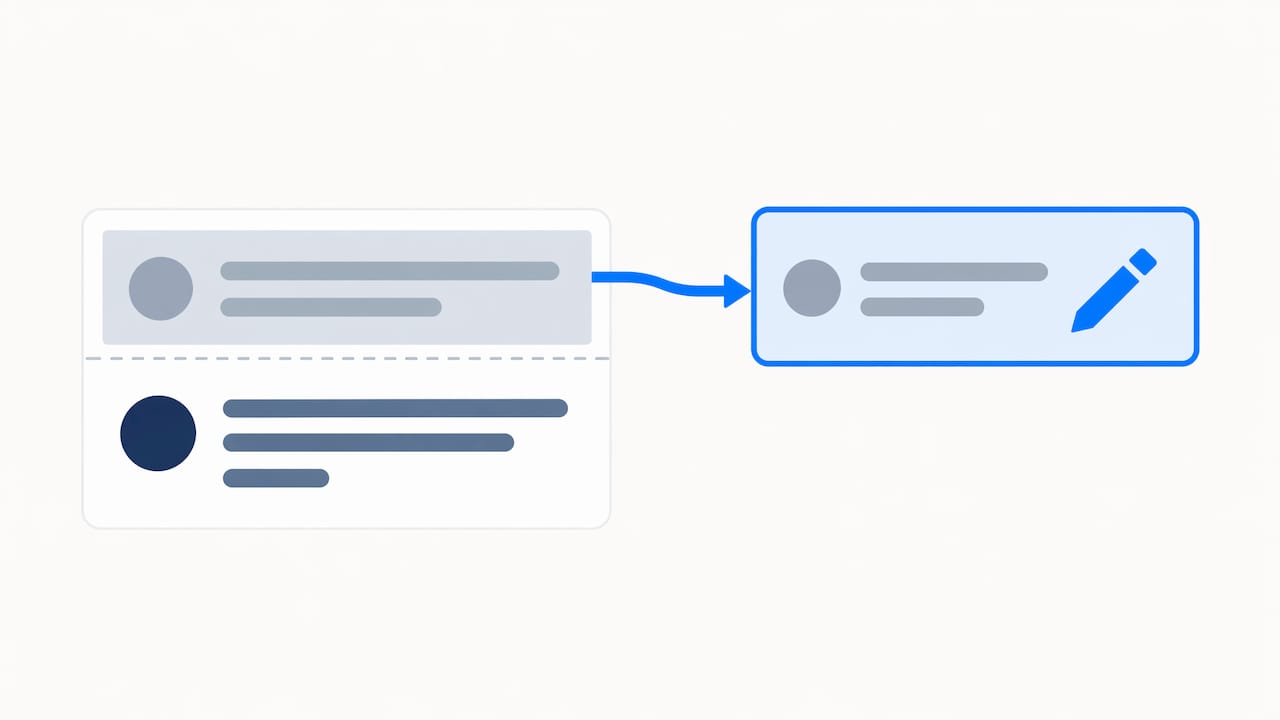
If the comment doesn't breach policy but you resolved the problem, a revision request is the better tool. Per eBay's feedback help, you get 5 revision requests per calendar year, and each applies only to feedback less than 30 days old. The same page says you can earn 5 more requests for every 1,000 feedback ratings received that year.
Once you send one, eBay emails the buyer, who has 10 calendar days to accept or decline. If they accept, eBay guides them through the change and the original comments are removed. If they ignore it, the request expires and the feedback stays.
Build your message from four short parts:
- A polite opening that names the order.
- What you fixed, refunded or replaced.
- A reference to your evidence, such as the refund confirmation.
- A direct, friendly ask to revise.
Pro Tip: Keep the message to a few sentences and never argue the buyer's original complaint. eBay describes revision as a negotiation, not a right, and a calm explanation of how the issue was resolved improves your odds.
Because requests are limited, spend them on feedback you have actually made right with the buyer.
What if removal or revision fails?
When the comment stays, your public reply becomes the part future buyers read. eBay advises sellers to leave a professional reply to show how they handle problems. A good reply is short and factual:
- Acknowledge the issue in one sentence without blaming the buyer.
- State what you did, such as a refund, replacement or direct contact.
- Offer a private way to reach you, such as eBay messages.
- Stop there. No repeated arguments, no extra detail.
Avoid anything that escalates. Never share buyer personal data, never threaten, and never use sarcasm. A heated reply makes you the story, and it can look worse than the original comment.
A measured reply works because shoppers scan negative comments to see how a seller reacts. Seeing a refund offered and a clear contact path tells them the problem was handled. A single rating then reads as an outlier, not a pattern.
What evidence should I gather before filing?
Strong evidence is what separates a granted request from an ignored one. Collect these before you submit anything:
- Order ID and the item listing.
- Full tracking history with carrier scans and timestamps.
- Photos of the packaging and the item's condition before shipping.
- Screenshots of buyer messages and any return receipts.
- Proof of refunds or reimbursements.
- Any evidence of buyer harassment or abuse.
Name each file clearly before uploading, for example "tracking-scans," "buyer-messages" and "refund-confirmation," so a reviewer can find the proof your request mentions. Time-stamped, unedited screenshots and carrier scans carry the most weight because they are hard to dispute. Cropped or edited images invite doubt, so capture the whole conversation.
A practical view on feedback in a healthy seller workflow
Most feedback fights are won earlier than sellers think. Accurate photos, honest handling times, quick contact the moment something goes wrong, and a clear return policy prevent far more negatives than any removal request cures. Log every revision request and removal outcome as you go. After a few months, that log shows which buyers or product types keep producing trouble. Our return fraud guide goes deeper on prevention. Treat reputation as two jobs: the technical one, which is evidence and requests, and the human one, which is fast refunds and polite replies.
— Mykola
How SafeBay saves you time on feedback problems
Our tools map onto each step of this workflow, so you spend less time on busywork. Check a buyer's status before you ship, and report abusive buyers with evidence so the community can review them. Here is what we offer for feedback handling:
- A community blacklist, synced to eBay's Blocked Buyers list through our free Chrome extension.
- Evidence reporting that keeps the reasons and dates for each flagged buyer.
- AI feedback reply drafting, to help you prepare a calm response.
Start on our free plan, or install the SafeBay Companion extension and run your next buyer check today.
FAQ
Can I get negative eBay feedback removed?
Yes, but only when the feedback breaks eBay policy or falls under an automatic removal scenario, such as confirmed abusive buyer behavior. Disagreeing with the buyer's opinion is not enough. Submit your request through Seller Help with evidence.
How do I contact eBay to remove negative feedback?
Use Seller Help, which has a button for requesting feedback removal. Fill out the form, attach your order ID, tracking and screenshots, and submit it. If eBay needs more detail, it will email you.
Should I reply to negative feedback I can't remove?
Yes. A short, factual public reply that names your fix and offers a private contact path shows future buyers how you handle problems. Keep it free of blame and personal buyer details.