To block a buyer on eBay, open the Block bidders or buyers page from your seller account, enter the buyer's username, and select Submit. From then on, that account cannot bid on or buy your listings until you remove it. The block is only one layer of protection, however. It is private, it is tied to a single username, and it does not cover existing orders or messages. This guide covers the exact steps, the rule-based alternatives, the points where blocking stops working, and how to build a more durable process.
TL;DR
- Add a username on eBay's Block bidders or buyers page, and eBay states the list holds up to 5,000 usernames.
- Buyer requirements are a separate, rule-based control: they screen by delivery location, nonpayment history or purchase volume, not by username.
- Buyers are not notified of a block, and blocking purchases does not automatically stop messages or close open cases.
- A private block does not replace reporting policy violations to eBay, and it does not follow a bad actor to a new account.
- Document the evidence before you block, and review the list periodically, because the process is reversible.
Table of Contents
- How to block a buyer on eBay, step by step
- Blocked list versus buyer requirements
- What happens after you block someone
- When a block is not enough
- Our perspective: a block list needs memory and a wider circle
- Taking the next step with SafeBay
- Reporting a problem buyer
- A practical setup for appliance parts and other high-return categories
- FAQ
- Sources
How to block a buyer on eBay, step by step
The process is short, and it is the same logic whether you sell a handful of items or manage thousands of SKUs.
- Sign in to your seller account and open eBay's Block bidders or buyers page. You can reach it through the Block buyers shortcut in Seller Hub or by searching Help for "block a buyer".
- Type the buyer's exact eBay username into the box.
- Select Submit.
To reverse the decision, delete the username from the same list and submit again. According to eBay's guidance on blocking bidders and buyers, the workflow is intentionally reversible, and sellers can also restore a previously saved blocked list. That supports a periodic review rather than treating every entry as permanent, which matters when usernames or the context of a dispute change.
Verify the username before you submit
The list applies across all of your listings, as eBay's bidder-block FAQ describes it. A mistyped or misread username therefore affects every listing, not only the one involved in the dispute. Copy the username from the order or message record rather than retyping it, and compare similar-looking characters such as a lowercase "l" and a numeral "1".
What the buyer sees
Buyers are not notified when a seller blocks them. eBay's seller-protection material notes that they are simply prevented from making future purchases from that seller, and open issues still need to be resolved. In practice, the buyer discovers the block only when an attempted bid or purchase fails.
Blocked list versus buyer requirements
Sellers often use these two tools interchangeably, but they solve different problems. The blocked list targets known usernames. Buyer requirements screen categories of risk before a transaction begins.
| Criterion | Blocked buyers list | Buyer requirements |
|---|---|---|
| Basis | A specific username | A rule applied to all buyers |
| Typical trigger | A past dispute, false claim or abuse | Location, nonpayment history, purchase volume |
| Scope | All of your listings | Active and future listings, when you select that option |
| Exceptions | Remove the username | An exemption list for named buyers |
| Risk | A wrong username blocks the wrong person | Rules that are too broad reduce legitimate sales |
According to eBay's buyer-requirements page, sellers can restrict buyers by an excluded delivery location, a history of cancelled orders caused by nonpayment, or by buying or winning a specified number of the seller's items within the last 10 days. The same page acknowledges that sellers usually want as many potential buyers as possible. A sensible rule therefore corresponds to a documented operational risk, such as a lane where your parcels are repeatedly lost, rather than a general assumption about buyer quality.
Blocking by location
Shipping exclusions and buyer requirements are not the same thing. Once you set up shipping exclusions, eBay explains that buyers cannot complete checkout with an address you won't ship to. Buyers from those regions could still bid on or buy your items unless you have also set the matching buyer requirement. If your goal is to stop the transaction earlier, configure both.
Blocking many buyers at once
The blocked list is a single text field of usernames, so a bulk entry means pasting several usernames in one submission. The 5,000-username capacity is the practical ceiling for a manually maintained list. Beyond a few dozen entries, the harder question is not the paste but the source: where do the usernames come from, and can you justify each one later? That is where record keeping becomes more important than the mechanics.
What happens after you block someone
Three consequences are worth planning for before you rely on a block.
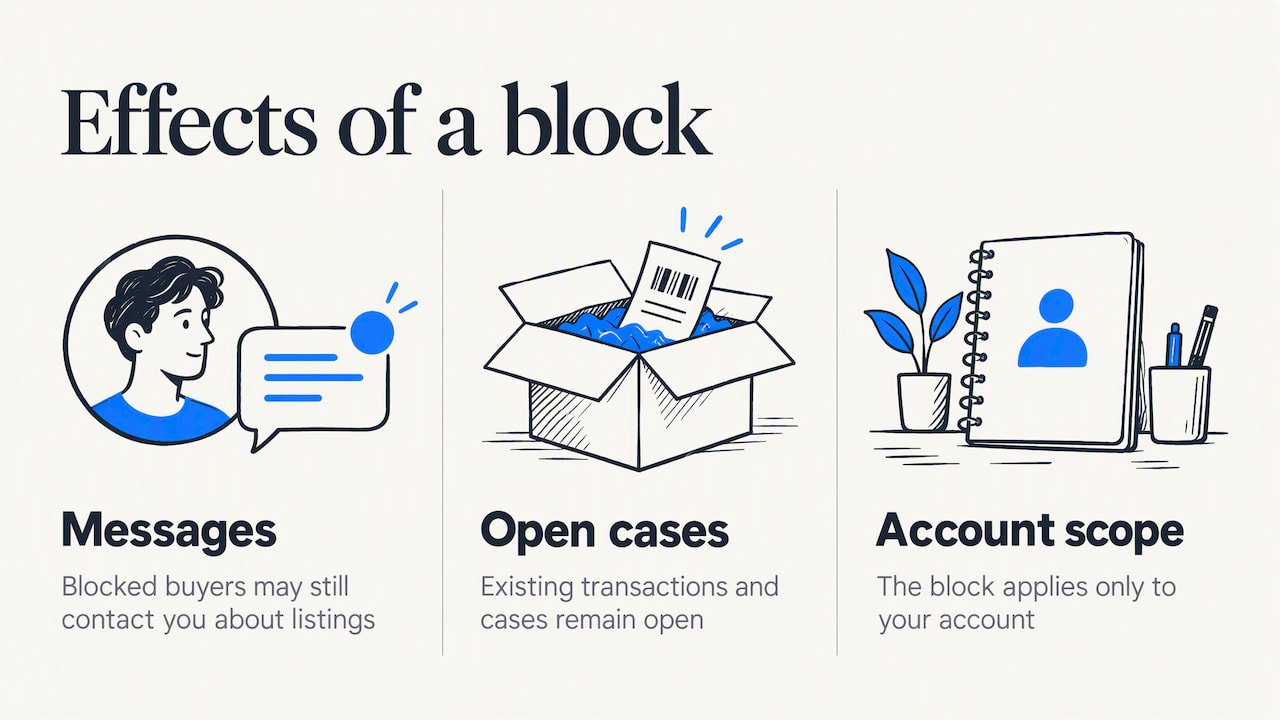
Messages may still arrive. By default, eBay's guidance indicates that blocked buyers may still be able to contact you about listings. A Site Preferences option prevents buyers blocked by requirements from contacting you. Blocking purchases and blocking communication are separate controls, so check both.
Existing transactions remain open. The same page states that a blocked buyer may still reach you about an existing transaction through an Item Not Received case or a return. Keep your order records, tracking and photos, and continue to resolve open cases on time. A block is not a way to close a dispute.
The block is local to your account. Nothing in eBay's blocking tools passes the information to other sellers. A buyer you blocked can continue purchasing from every other seller and can, in principle, return under a different account.
When a block is not enough
Return fraud and false item-not-as-described claims are typically committed by buyers who have already received the goods. Blocking afterward protects only your future sales. It does nothing about the claim in front of you, and it does not warn the next seller.
eBay treats seller blocking as distinct from platform enforcement. According to its seller-protection guidance, the platform evaluates severity, frequency and intent before it removes feedback or defects, stops return requests, or suspends a buyer in serious cases. The practical consequence is that you should report policy violations to eBay in addition to blocking, because a private block gives the platform no signal.
The same distinction appears on other marketplaces, which generally pair a seller's private controls with a formal buyer-protection and reporting framework. One European vehicle marketplace's buyer protection page is an example of how a platform describes its own side of that arrangement. The lesson for eBay sellers is the same: your block list and the platform's enforcement are two separate mechanisms, and you need both.
A short evidence routine
Before adding a username, capture the following in a note attached to the order:
- The order number, item and SKU.
- The claim made, with dates.
- Photographs of the item as shipped and as returned.
- Tracking and delivery confirmation.
- Any messages that show the pattern.
This record serves three purposes. It supports a case with eBay, it lets you review the block later, and it gives you something concrete to submit if you choose to report the buyer elsewhere.
Our perspective: a block list needs memory and a wider circle
We built SafeBay around a specific gap. Since 2008, eBay sellers have been unable to leave negative feedback for buyers, so a buyer's conduct toward sellers leaves little public trace. Return fraud and false claims then repeat across different sellers, each of whom learns about the problem only after the loss.
Our view is that a private block list answers a narrow question: whom do I, personally, refuse to sell to? It cannot answer a broader one: is this buyer a known risk to sellers in general? We think that answer requires three properties. Reports should carry evidence. Reasons and dates should be kept, so that every entry stays accountable. There should be a route for appeals, because an unreviewable blacklist can harm honest buyers as easily as it protects honest sellers.
For that reason, SafeBay separates private blocks from public ones, and community reports are reviewed before they are shared. We would also say, plainly, that a community list is a supplement and not a substitute: eBay's own enforcement remains the authority on account suspension, and a seller's judgment on each transaction remains necessary. We recommend using a tool like ours where the volume of orders makes manual list upkeep unrealistic, and we recommend the manual method described above where it does not.
— Mykola
Taking the next step with SafeBay
If you want blocks that are shared and kept current, SafeBay's buyer blacklist combines a community-reviewed list with syncing to your eBay Blocked Buyers list. The syncing runs through SafeBay Companion, a free Chrome extension. It also supports real-time buyer risk alerts, so you see a flagged account before you ship rather than after.
The published plans are as follows, as shown on the SafeBay site:
| Plan | Price |
|---|---|
| Free | $0 per month |
| Basic | $9.95 per month |
| Pro | $59.95 per month |
| Enterprise | $599.95 per month |
The free plan covers basic features with limited AI usage, so you can test the workflow on your own account before paying for higher limits. You can also look up any account with the buyer status check, or try the free seller tools.
Reporting a problem buyer
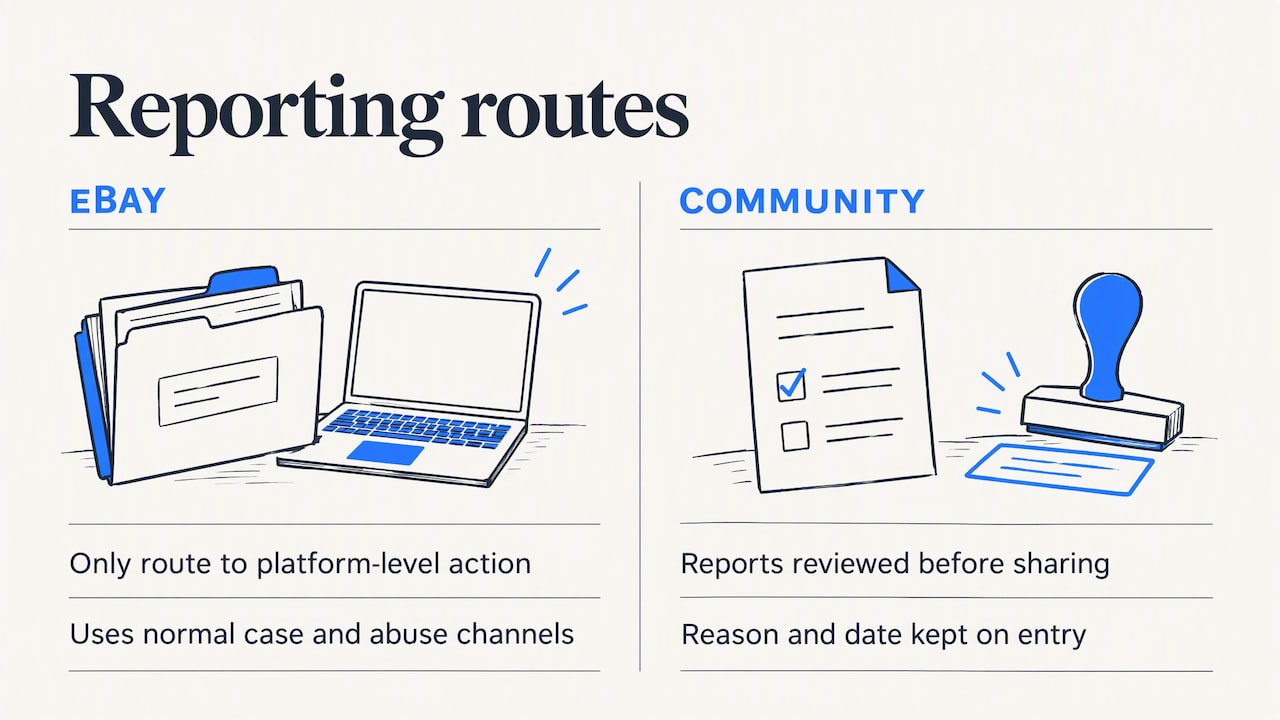
Once you have your evidence, you have two reporting routes. The first is to eBay, through its normal case and abuse channels, which is the only route that can lead to platform-level action. The second is to the community, through SafeBay's buyer report form. A report there goes through review before it is shared, and the reason and date are kept on the entry.
If you want to understand the process before you file, our guides cover how the community blacklist works and what happens after you submit a report. For a closer look at the limits of the native tool, see why eBay's blocked buyer list isn't enough and what blocking can't do.
A practical setup for appliance parts and other high-return categories
Categories with compatibility questions, such as appliance parts, produce a particular kind of dispute: a buyer orders a part, finds it does not fit, and files an item-not-as-described claim. Many of these are honest mistakes, and a block would be the wrong response. A workable sequence looks like this:
- Put the model numbers and compatibility notes in the listing, so that mistakes are less likely in the first place.
- Treat the first mismatch as a service issue and resolve it through the return process.
- Reserve blocks for patterns you can document: repeated claims, items returned in a different condition from shipped, or claims that contradict your tracking and photos.
- Use buyer requirements for repeatable operational risks, for example a delivery region with chronic loss, and exclude only what the data supports.
- Review the list every quarter and remove entries that no longer reflect a live risk.
This keeps the block list narrow and defensible, which is also what eBay's own guidance implies when it cautions that overly broad filters reduce legitimate sales.
FAQ
Can I block a buyer from buying from me on eBay?
Yes. Add the buyer's username to the Blocked buyers list, and that account cannot bid on or buy your listings until you remove it. You can also use buyer requirements to screen by criteria such as delivery location or nonpayment history.
Do eBay buyers know if you block them?
No, eBay does not notify a buyer when a seller blocks them. The buyer finds out only when an attempt to bid or buy fails. Any open issues between the two of you still need to be resolved.
Can blocked buyers contact you on eBay?
By default they may be able to. A Site Preferences option stops buyers blocked by requirements from contacting you, but contact can still occur through an Item Not Received case or a return on an existing transaction.
Where is the Block buyers page on eBay?
Open the Block bidders or buyers page through the Block buyers shortcut in Seller Hub, or search Help and Contact for "block a buyer" and follow the link. Enter the username and select Submit.
Sources
- Blocking bidders and buyers, eBay Help
- Setting buyer requirements, eBay Help (UK)
- Setting buyer requirements, eBay Help (US)
- Seller protections, eBay Seller Centre
- Bidder block FAQ, eBay