Key Takeaways
- Photograph the actual item, including its identifying label and visible faults, before opening the listing form.
- Weigh and measure the packed parcel before setting shipping charges. Bare-item measurements can leave you covering the difference.
- Replace inherited details when using Sell similar. The previous seller’s condition, accessories, and shipping settings may not match yours.
- Check the published listing in your active inventory, then save the original photos and testing notes.
A rushed listing can leave you paying for underestimated postage. Here is how to list on ebay: open Sell or Seller Hub’s Create listing, add photos and verified item details, set pricing and shipping, then preview and publish. This walkthrough shows what to check before your used item goes live.
Prepare the item, photos, and parcel first
Build your listing from the item in front of you. SafeBay was made by an eBay seller, and we recommend collecting verified facts before writing sales copy.
Photograph the complete item against an uncluttered background, then capture its identifying label, included accessories, and any damage. A close-up scratch means little without a wider shot showing its location. Keep your original files rather than relying entirely on the uploaded copies.
Test only what you can safely and competently test. Record exactly what happened: “powers on” describes less testing than “printed a test label successfully.” Do not turn a partial test into a claim that everything works.
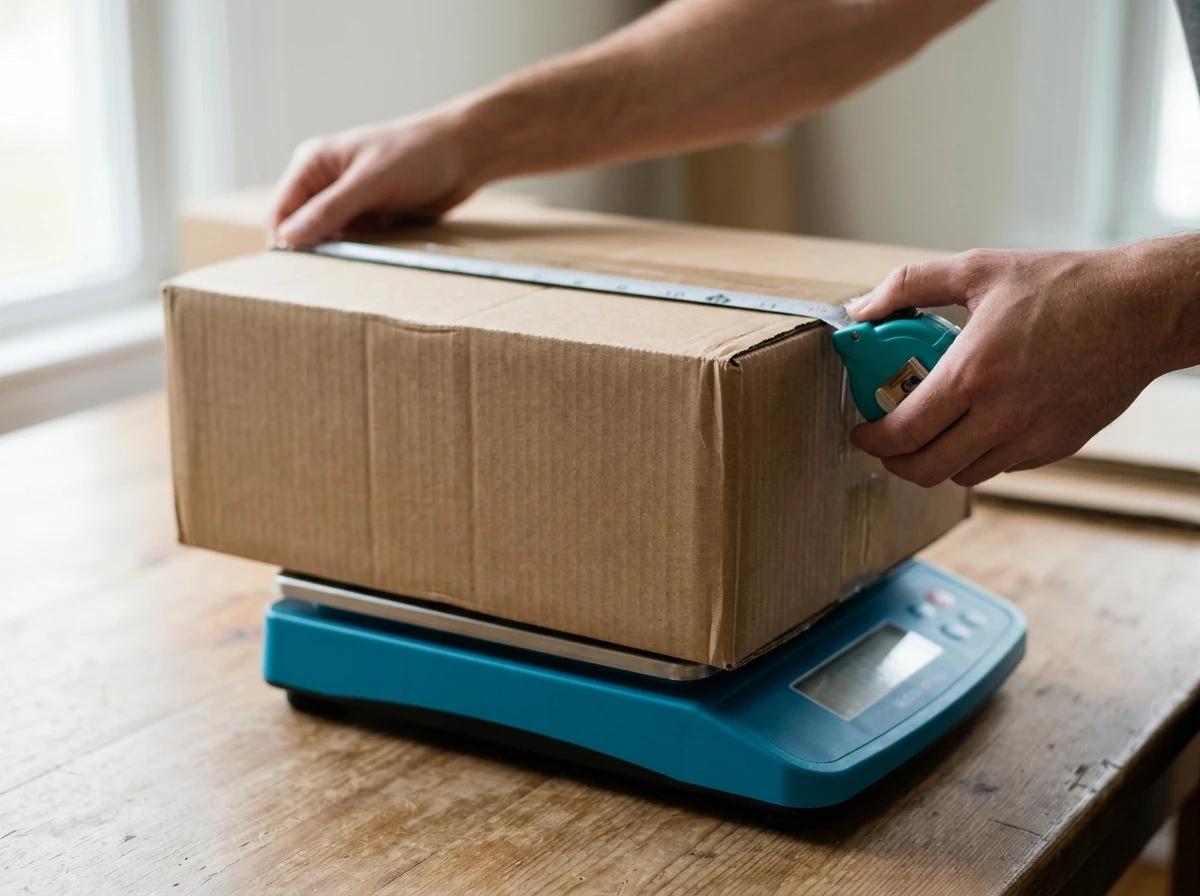
Choose the packaging before quoting postage. Weigh the item inside its protective packaging and measure the outside of the sealed parcel. A bulky box can cost more to ship than its weight alone suggests.
Step by step: how to list on ebay
The listing form connects your item’s identity with its condition, price, and delivery terms. Labels and available options vary between the app, desktop, categories, and marketplaces, but the publishing sequence is similar.
-
Open a draft and confirm the item’s identity.
On desktop, select Sell, or use Create listing in Seller Hub; in the app, open Selling and choose List an item. Search by the item’s name or an accurate identifier, then verify the proposed category and any catalog match. When using Sell similar, treat every inherited field as unverified until you check it. -
Upload your actual photos and an optional video.
Lead with a clear view of what the buyer receives, then arrange supporting photos so the item’s condition is easy to inspect. If the form offers video, use it to demonstrate relevant operation, such as a printer feeding a label. Keep faults visible in photos and written descriptions because buyers may never watch the clip. -
Complete the title and item specifics.
According to eBay’s listing creation guidance, titles can contain up to 80 characters; use that space for the verified identity and distinguishing details. Complete required item specifics from the label, packaging, or reliable manufacturer documentation. Leave unsupported optional attributes blank, and use “Does not apply” only when it genuinely applies. -
Choose the condition and describe your exact item.
Read the available condition definitions rather than choosing the most attractive label; a defective item may require a parts-or-not-working option where available. Explain your testing, visible wear, and exactly what is included. Remove generated or copied claims you cannot support, especially compatibility promises and statements about missing accessories. -
Set the format, price, and available quantity.
We recommend fixed price for a straightforward item with comparable sales; an auction needs a considered opening price and enough likely bidding interest. Compare genuinely similar sold items, then account for postage and selling costs before setting your price or accepting offers. Our guide to eBay fees and net proceeds explains those deductions, which can make an apparently competitive price unprofitable. -
Set shipping, handling, and return terms.
Enter packed dimensions and weight, choose a service you can actually use, and set a handling time your routine supports. Check the item location and any shipping or return policies attached to the draft, especially when reusing another listing. A no-returns setting does not remove obligations under eBay’s Money Back Guarantee when an eligible item arrives faulty or does not match its description. -
Preview the complete offer, then publish.
Check that the title, photos, condition, and description all describe the same item, and confirm the quantity and delivery charge. Review any optional upgrades, advertising settings, and displayed listing fees before selecting the publication button. After confirmation, open the live listing and check it in your active inventory.
Save the draft if a required fact is still uncertain. Publishing a guessed voltage or compatibility claim creates a harder problem than pausing to verify it.
A worked example: listing a used corded drill
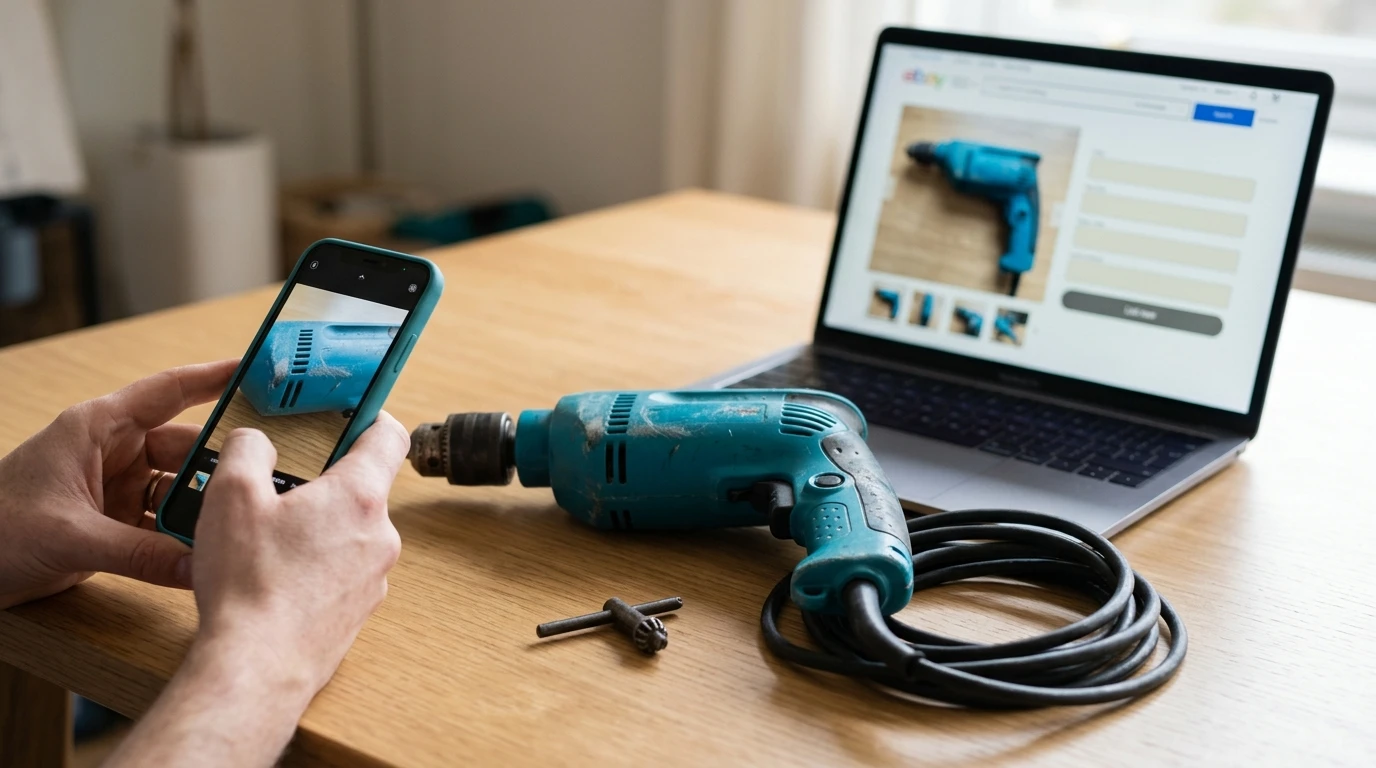
Suppose you have a used corded drill with a readable model label, cosmetic scuffs, and a chuck key. You have tested it by drilling scrap wood and checking reverse operation. The listing should describe that evidence without suggesting a professional inspection or a guarantee of future performance.
| Listing field | Example wording or action |
|---|---|
| Title | Use the verified brand and model, followed by “Corded Drill With Chuck Key.” |
| Condition | Select “Used” only if the category’s definition matches the drill’s actual condition. |
| Testing description | “Tested by drilling scrap wood. Trigger speed control and reverse operated during testing.” |
| Wear | “Visible scuffs on the housing, shown in the close-up photos.” |
| Included items | “Includes the drill and chuck key only. No case or drill bits.” |
| Shipping | Enter the weight and dimensions of the drill after protective packing and boxing. |
Naming excluded accessories reduces avoidable buyer messages. It also makes the offer clearer when a catalog photo or another seller’s listing shows a case that yours does not include.
Keep testing notes and identifying photos with your inventory record. They can help explain what you sold if a different item comes back, although documentation alone cannot guarantee a favorable dispute decision.
Check publication, then edit or end the listing safely
A publication confirmation should be followed by a live-listing check. Confirm that the listing is active rather than scheduled or saved as a draft, then inspect its photos and delivery information.
To edit an eBay listing, open your active listings, find the item, and select Revise or the equivalent edit option. eBay’s listing revision rules restrict some changes depending on the format and listing status, including whether an auction has bids. Read any warning before submitting a change.
If the item becomes unavailable, update the quantity or end the listing as appropriate. Ending an auction can carry restrictions or fees, so check the confirmation screen carefully rather than assuming every listing can be removed without consequences.
Save the item number and your source photos alongside the published details. For growing inventories, SafeBay’s Listings History provides lifetime listing tracking, while your own records should retain testing evidence and original files.
Frequently Asked Questions
How much does it cost to list an item on eBay? The cost depends on your marketplace, category, account allowances, and optional upgrades. Check eBay’s selling fees guidance and the listing form before publishing; a listing without an insertion fee can still incur selling fees when it sells.
Can I create an eBay listing without AI? Yes. You can enter the title, item specifics, condition description, and other fields yourself. If the form offers generated text, you can replace it with wording based on your own inspection and testing.
How do I list multiple items in one listing on eBay? For identical items in the same condition, use a fixed-price listing with an accurate quantity; eligible categories may also support variations. Different used items with different faults generally need separate listings, while a lot sells the pictured collection together for one total price. If you mean creating separate listings in volume, our guide to choosing an eBay bulk listing tool covers that workflow.
What is the downside of selling on eBay? Your sale price must cover fees, packaging, and any shipping costs you absorb, while returns and buyer questions add work after publication. Accurate listings reduce avoidable misunderstandings, but they cannot eliminate fraudulent returns or delivery disputes.
Before packing the item away, check the live offer against what you will actually send. Once that routine is reliable, compare eBay AI listing workflows to decide which repeated entry tasks you can speed up while keeping the final review under your control.